Health insurance knowledge base | 4.3.2026
Save time with the user-friendly online symptom checker
Dry cough, or is it pneumonia? With the Well app, you can simply check your symptoms online and immediately receive a medical assessment based on the information provided. You can then follow the recommendations or contact your GP if necessary. It is so convenient – the Well app and symptom checker form part of the digital basic health insurance model, KPTwin.smart, meaning you can manage your health using the app and save both time and doctor’s costs.

How does an online symptom checker work?
A digital symptom checker works in a similar way to a face-to-face or telemedicine consultation with a doctor: the tool asks specific questions to analyse your symptoms and provides an initial assessment based on medical criteria. It will quickly detect if the situation is an emergency.
- Enter your symptoms – describe your issues.
- Answer the questions – the symptom checker will ask specific questions in order to narrow down your health problem.
- Receive an assessment – within a few minutes, you will find out whether your symptoms warrant urgent evaluation and the most appropriate next steps.
This saves you time and gives you access to reliable guidance day and night, 7 days a week, from wherever you are.
How to use the symptom checker in the Well app
Follow these steps:
- Register in the Well app
- Enter your age and gender
- Start the symptom checker
- Enter your symptoms into the search function – the symptom checker will start asking questions
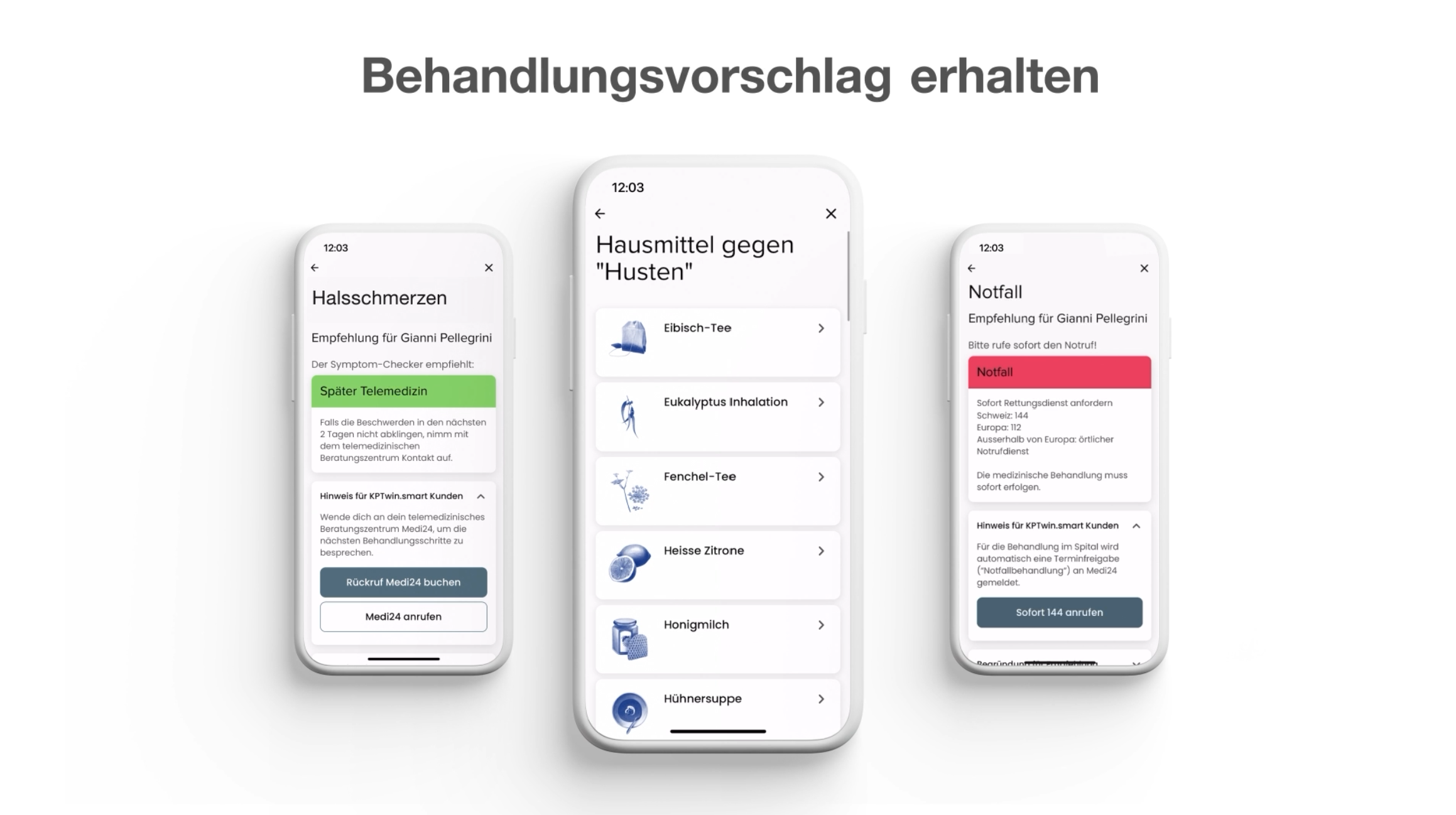
- You will receive a treatment recommendation based on the information provided and advice on what to do next: see a doctor, contact the telemedicine service, call for urgent care or follow tips on self-treatment at home.